Usage Guide
No experience needed. Master LessonTree in 6 simple steps.
Install & Set Up
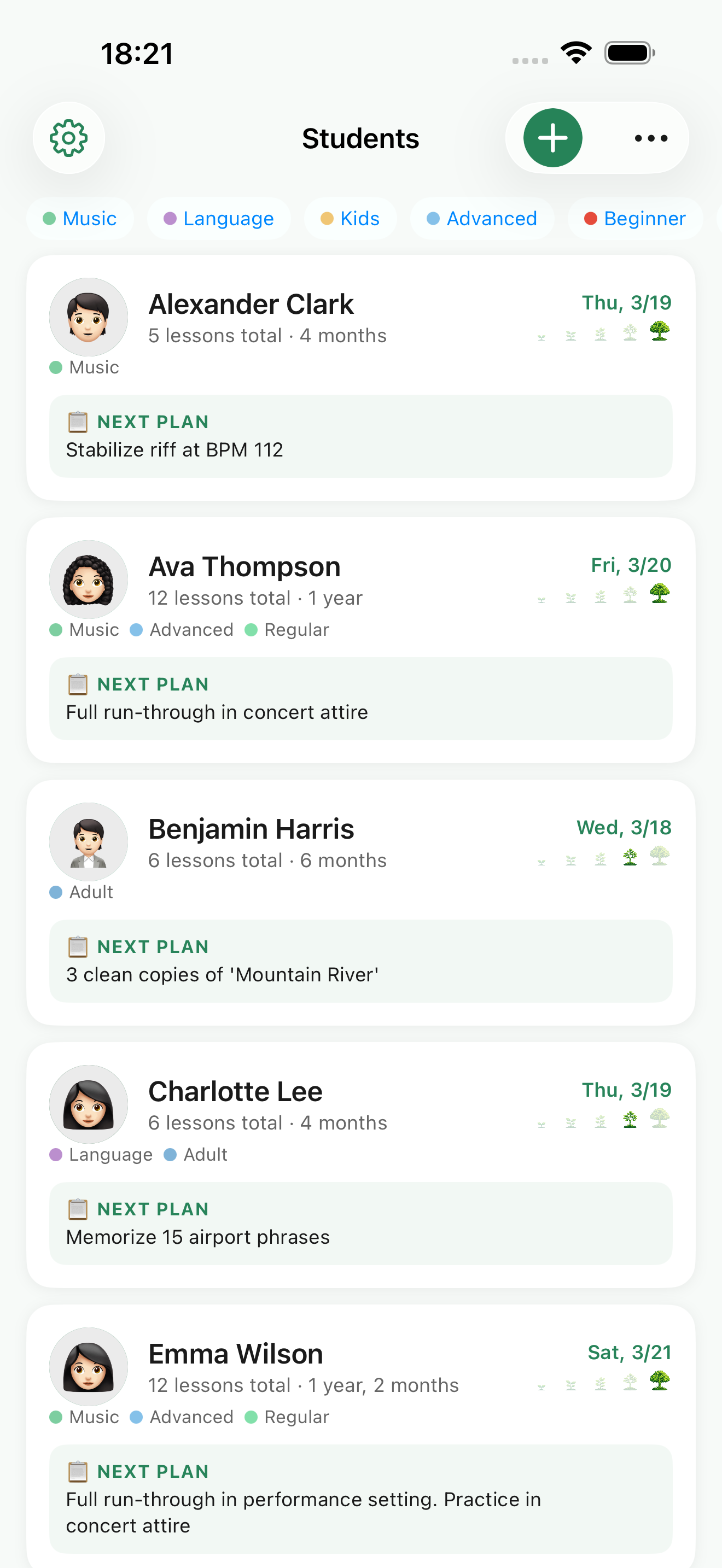
Download for free from the App Store. Once launched, just confirm your iCloud sign-in and you're ready to go. No special setup required — start recording right away.
- Supports iPhone and iPad running iOS 17 or later
- iCloud account enables automatic backup
- Core features are completely free
Add Your Students
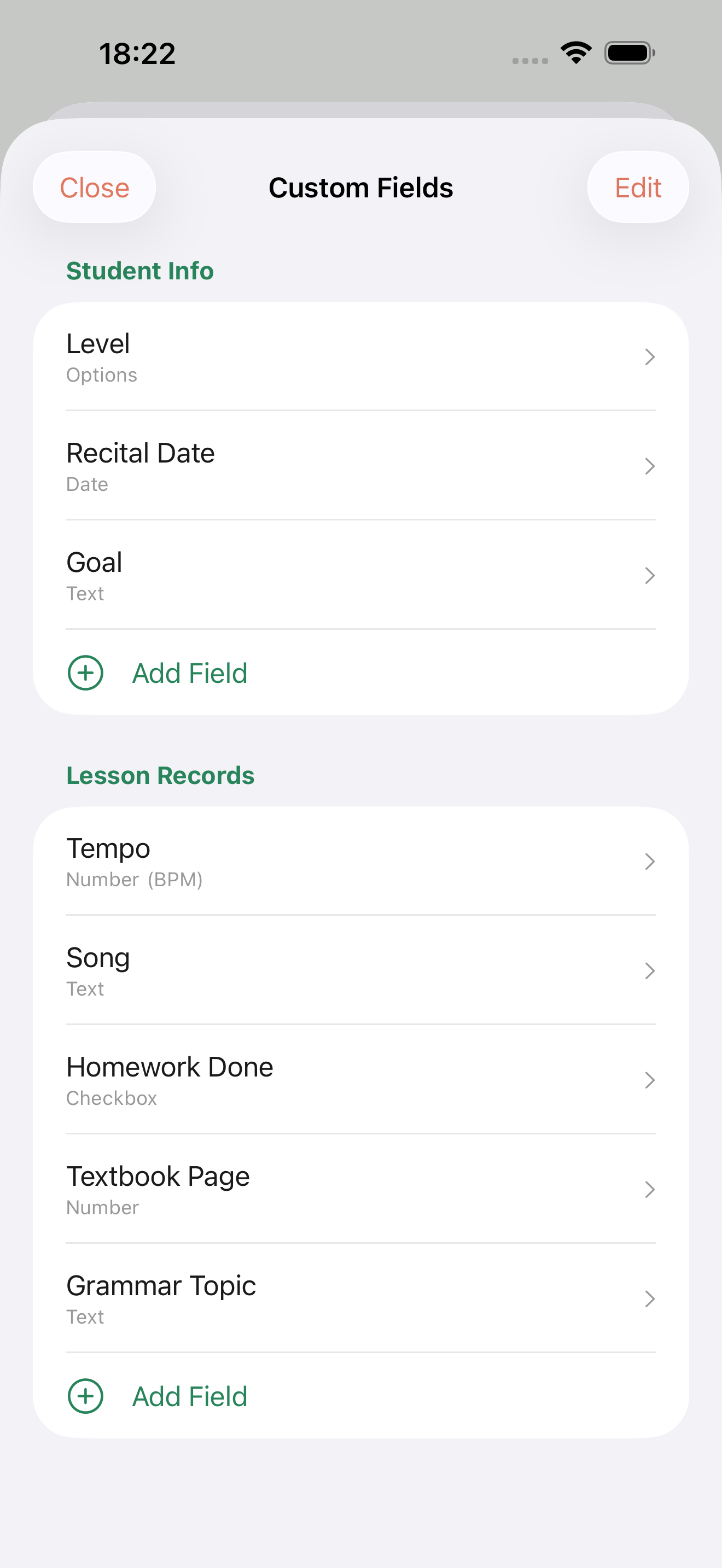
Set up each student with a name and photo. Add custom fields — subject, genre, start date — to tailor each student's profile to your needs.
- Add photo, name, and notes
- Custom fields to track what matters to you
- Tags for easy categorization
Record the Lesson
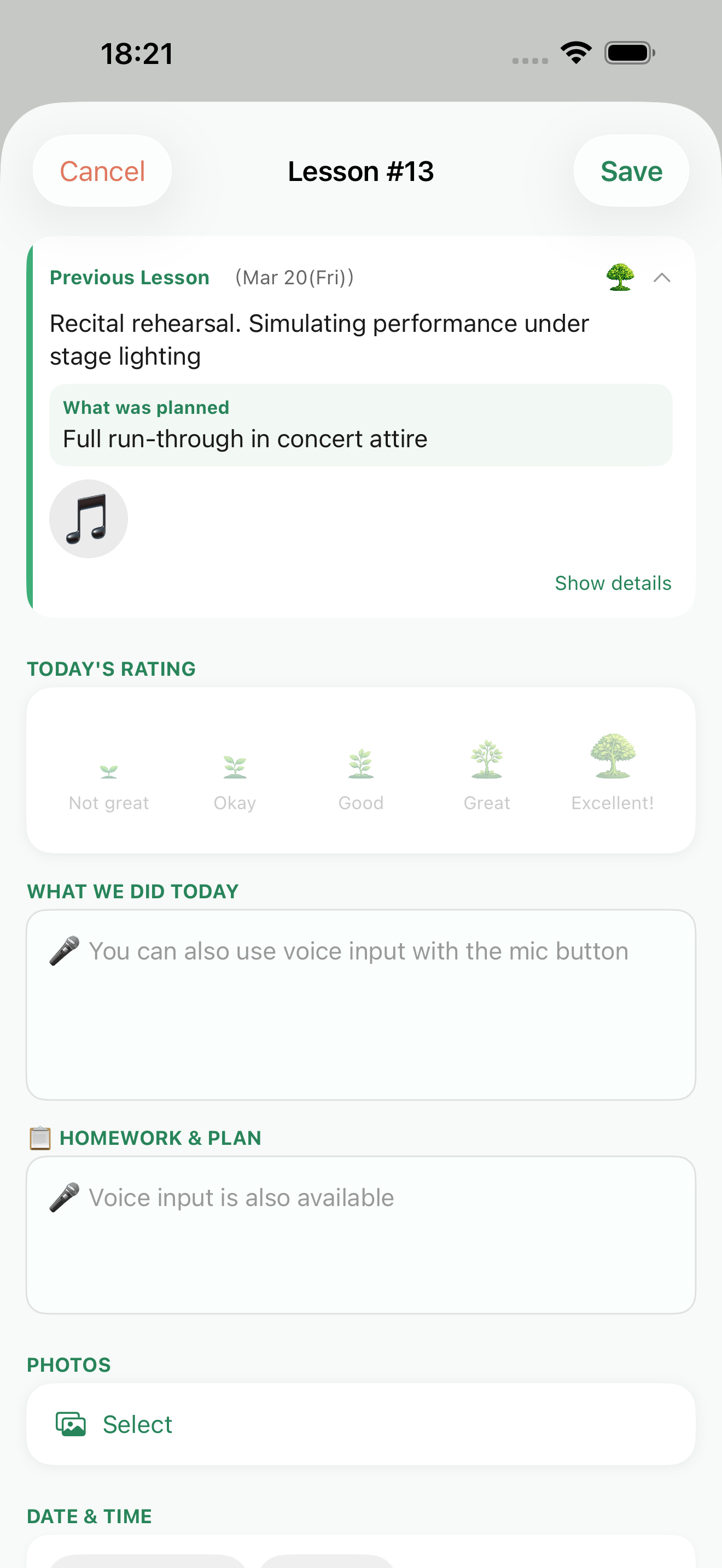
Right after a lesson, jot down what you covered and what's planned for next time. Add a star rating and photos too. Voice input makes it even faster.
- Log today's content and next session's plan
- Attach up to 10 photos per lesson
- Star ratings and voice input supported
Review Before the Next Lesson
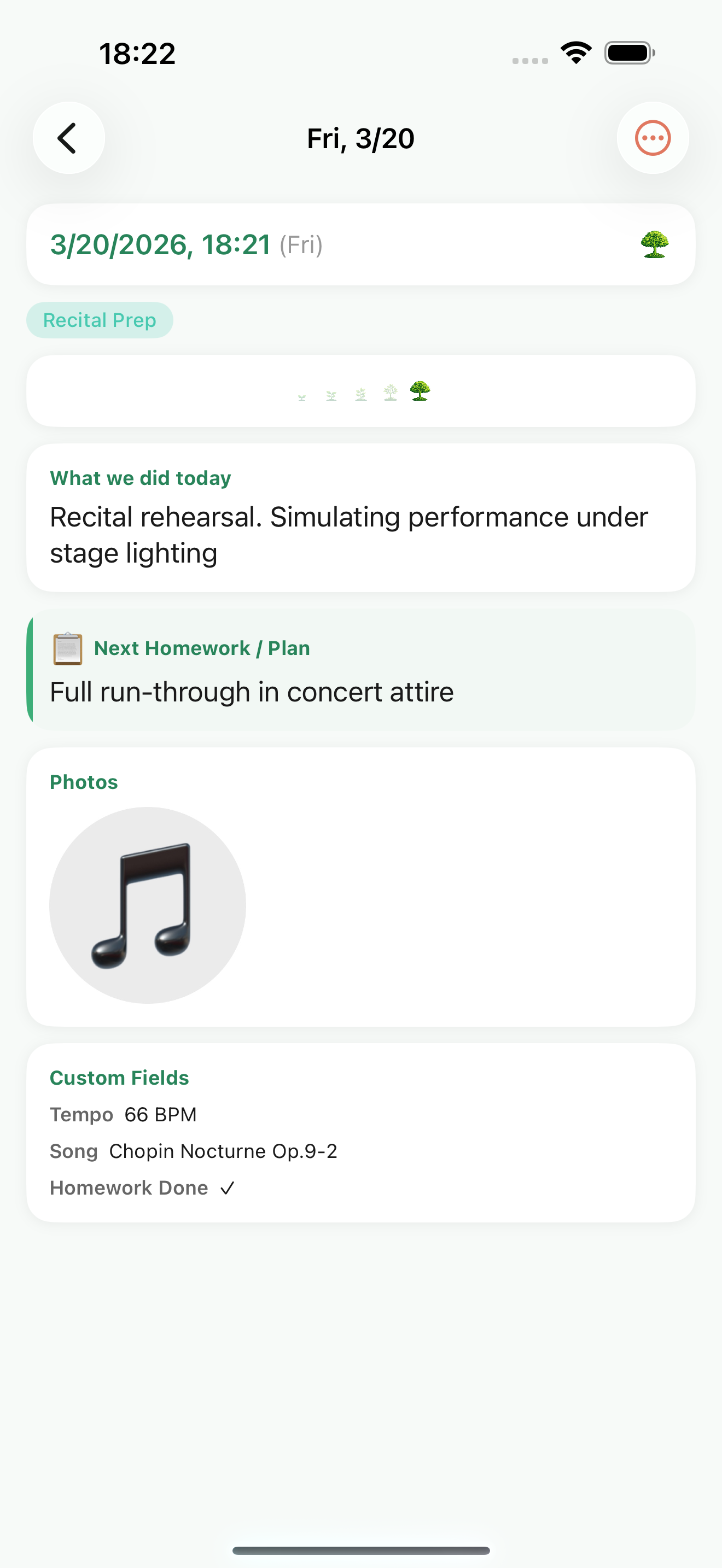
Open a student's page and your last lesson notes appear instantly. Since you already logged the plan, prep takes seconds instead of minutes.
- Review last session in under 10 seconds
- Browse the full lesson timeline
- Visual review with attached photos
Never Forget with Reminders
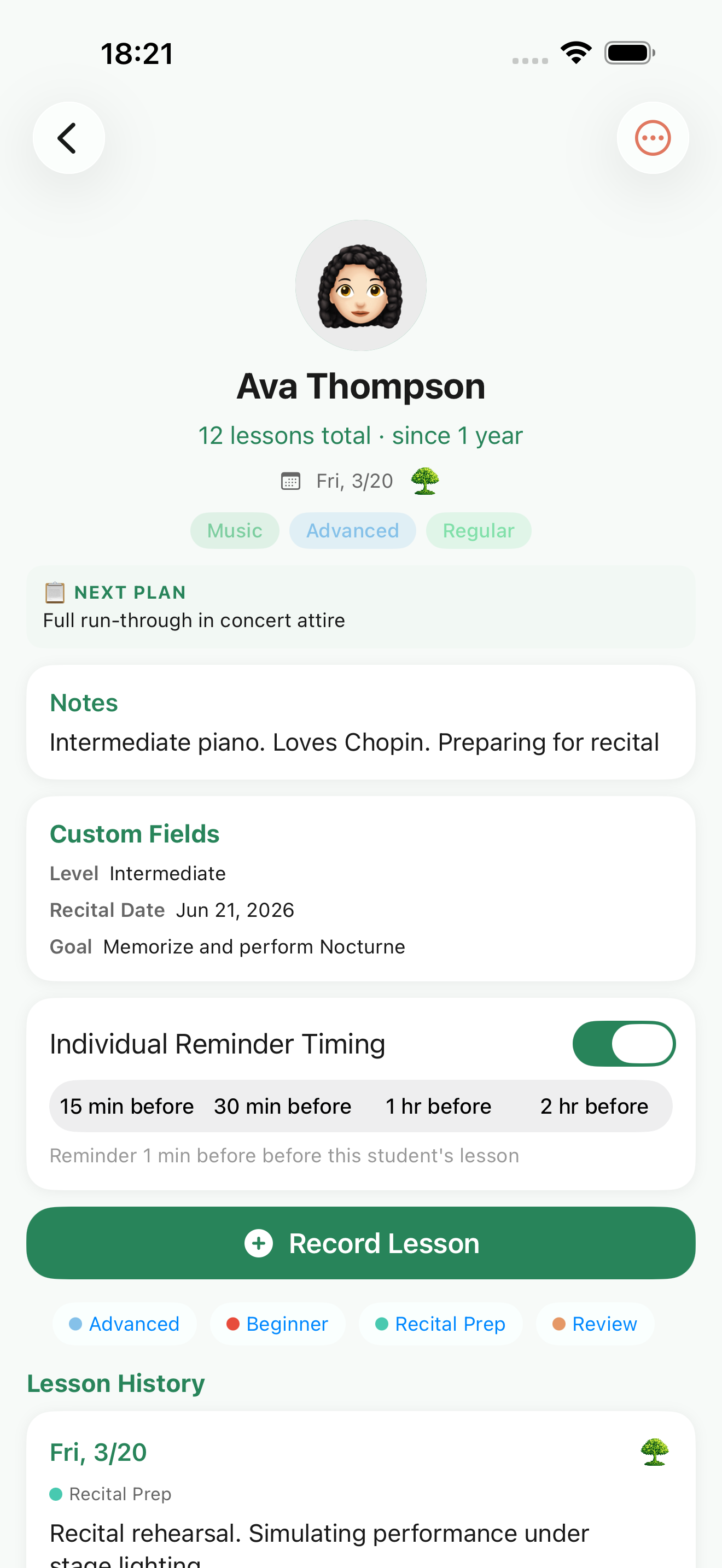
Set a next lesson date and receive a reminder at your chosen time. Tap the notification to instantly review the previous lesson — no searching required.
- Set reminders for the day before, morning of, etc.
- Tap notification to open last lesson notes
- Toggle reminders on/off per student
Watch Your Records Grow
Your accumulated records become a valuable history with each student. See total lesson count and duration at a glance, and visualize student growth and trust. Export data as CSV or JSON anytime.
- Visualize total lessons and duration
- Export data as CSV or JSON
- Automatic iCloud sync across all your devices
Ready to get started?
Download for free on the App Store. Add your first student and go.